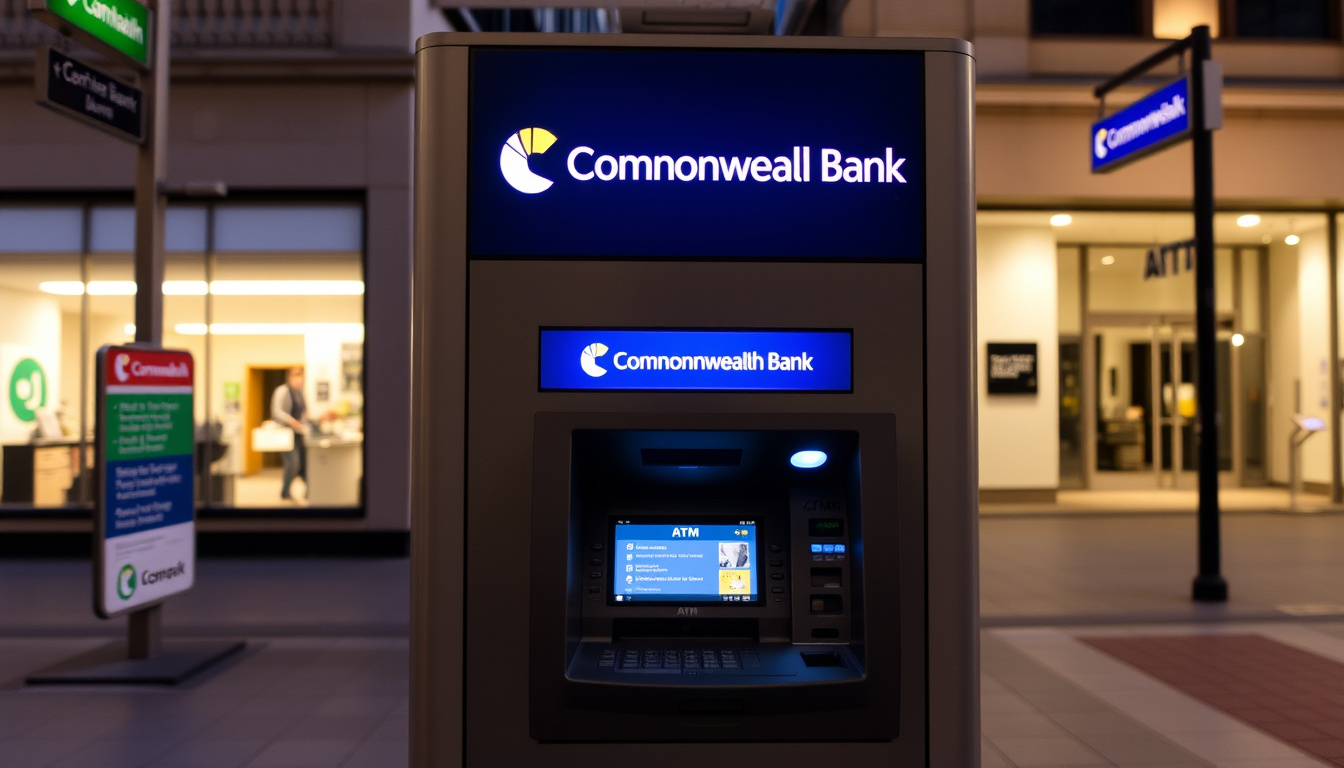
Need cash or want to deposit a cheque? Commonwealth Bank operates over 4,000 ATMs across Australia, many offering cardless cash and instant deposits. This article walks you through finding the nearest machine, checking hours, and using every feature.
Availability: 24/7 ·
Deposit methods: Card or QR code ·
Services: Withdraw, deposit, transfer
Quick snapshot
- Use CommBank locator by address or postcode (Commonwealth Bank official website)
- Filter by services like cash deposit (Commonwealth Bank official website)
- Deposit cash instantly with card or QR code (CBA Support guide)
- Available 24/7 at most locations (CBA Support guide)
- Withdraw without your debit card using the CommBank app (CBA ATM network page)
- Secure, no physical card needed (CBA ATM network page)
- Enhanced features like video banking and balance checks
- Select locations only
With over 4,000 CBA ATMs across Australia, knowing which machine to approach — deposit, Smart, or basic — can save you time and avoid frustration. The locator tool is your first step, but understanding each ATM’s capabilities turns a simple cash run into a convenient errand.
Here is a quick reference for CBA ATM services.
| Feature | Details |
|---|---|
| Availability | 24/7 |
| Deposit methods | Card or QR code |
| Services | Withdraw, deposit, transfer |
| Locator | CommBank website |
Where can I find a CBA ATM near me?
How to use the CommBank locator tool
- Visit CommBank’s official locate-us page and search by address, postcode, BSB, or landmark.
- Filter results by service type — for example, select “Cash Deposit” to see only deposit-capable ATMs.
This tool shows opening hours, services available, and driving directions. Many CBA ATMs are open 24/7, but the locator confirms individual machine timings.
Finding ATMs in Sydney NSW
- In Sydney CBD, the CBA branch at 48 Martin Place has a lobby open Mon–Fri 9:30AM–4PM and a 24/7 ATM.
- At Brisbane Airport, CBA ATMs are available around the clock with deposit facilities.
The implication: city-centre ATMs are almost always 24/7, but regional locations may have restricted hours — always check the locator before you go.
Rural NSW ATMs sometimes operate during business hours only or are deposit-exclusive during those times. If you’re outside a metro area, the locator is your best friend.
What are the opening hours of CBA ATMs?
Are CBA ATMs open 24/7?
- Most CBA ATMs are accessible 24 hours a day, seven days a week.
- Some machines inside shopping centres or business lobbies may follow the venue’s hours.
Holiday hours
- Public holiday hours can differ — the locator tool shows any schedule changes.
- Commonwealth Bank branches typically close on public holidays, but standalone ATMs often remain available.
What this means: for a quick withdrawal, any nearby CBA ATM will probably work 24/7. But for deposits or more complex services, confirm via the locator, especially on holidays.
How do I deposit cash at a Commonwealth Bank ATM?
Deposit using card
- Insert your CBA debit or key card, enter your PIN, select Deposit, choose Cash, then insert notes one by one (up to $10,000).
- Accepted notes: Australian $5, $10, $20, $50, $100. Damaged or foreign currency not accepted.
Deposit using QR code
- Open the CommBank app, generate a QR code, scan it at the ATM, and deposit cash without inserting your card.
- The funds are typically available the next business day.
The pattern: whether card or QR, the process takes less than a minute. Only deposit ATMs accept cash — check the locator for the “Cash Deposit” icon.
How does cardless cash work at CBA ATMs?
Setting up cardless cash in the app
- In the CommBank app, navigate to Cardless Cash, enter the amount, and confirm. You’ll receive a 6-digit code valid for a limited time.
- This feature requires a compatible debit card linked to your account.
Using cardless cash at an ATM
- At the ATM, select Cardless Cash, enter the 6-digit code, and withdraw cash without your physical card.
- Daily limits apply — check your app for your specific limit.
The trade-off: cardless cash is secure and convenient for those who forget their wallet. But you need your phone and a data connection to generate the code.
What is a CommBank Smart ATM?
Features of Smart ATMs
- Smart ATMs offer video banking, balance inquiries, mini-statements, and transfers, in addition to deposits and withdrawals.
- Select Smart ATMs also support bill payments and account management.
Difference from standard ATMs
- Standard ATMs focus on cash withdrawal only; Smart ATMs handle a wider range of transactions.
- Smart ATMs are located at select branches and high-traffic areas — the locator identifies them.
Why this matters: if you need more than cash, a Smart ATM can replace a branch visit for many everyday tasks. Check the locator for the “Smart ATM” filter.
Clarity check
Confirmed facts
- Deposit ATMs accept cash 24/7 using card or QR code
- Cardless cash requires the CommBank app and a linked account
- CBA ATMs are surcharge-free for CBA cardholders
What’s unclear
- Exact number of ATMs nationwide is stated as over 4,000, but real-time count may vary
- Exact number of ATMs per state (not publicly listed)
- Real-time availability — whether an ATM is temporarily out of service
- Rural ATM hours may vary — reportedly some machines operate only during business hours
If you’re relying on a rural CBA ATM for a late-night deposit, it may be closed — the locator shows hours, but some machines are deposit-only during the day. Always have a backup plan, like a nearby 24/7 service station ATM.
What the bank says
“Use our CommBank ATMs any time to deposit, withdraw and transfer money instantly.”
— Commonwealth Bank official website (locator)
“Our instant deposit ATMs enable you to choose how to deposit money into your account.”
— CBA Support – deposit cash guide
For anyone living in Australia, finding a CBA ATM is easy with the locator. But the real value lies in knowing which ATM to pick: a deposit ATM for quick cash lodgments, a Smart ATM for extra services, or a basic machine for a simple withdrawal. The decision can save you time and fees.
Related reading: How to deposit cash at a CBA ATM · CBA ATM network and surcharge-free access
cbna.com, ecommonwealthbank.com, fcbanking.com, locator.pnc.com, cba.banklocationmaps.com, fcbanking.com, beaconbank.com
Frequently asked questions
Can I use a CBA ATM if I don’t have a CommBank account?
Yes, but you may be charged a fee by your own bank. CBA does not surcharge its own customers, but other banks may impose fees for using a CBA ATM.
What is the withdrawal limit at CBA ATMs?
Daily withdrawal limits vary by account and card type. Typically, the standard limit is $1,000 per day, but you can adjust it in the CommBank app or by contacting support.
How do I find a CBA ATM that accepts deposits?
Use the CommBank locator and filter by “Cash Deposit” to see only deposit-capable machines.
Are CBA ATMs free to use?
CBA ATMs are surcharge-free for CBA cardholders. Non-customers may be charged by their own financial institution.
Can I change my PIN at a CBA ATM?
Yes, select “Change PIN” at the ATM after inserting your card and entering your current PIN. You can also update it through the CommBank app.
What should I do if a CBA ATM eats my card?
Call CBA’s customer service immediately at 13 2221. Retained cards are typically held at the branch for collection within a few days.
Are CBA ATMs accessible for wheelchair users?
Most newer ATMs are designed with accessibility features, including lower keypads and screen tilt. The locator may indicate accessible units upon request.
Can I deposit foreign currency at a CBA ATM?
No, CBA ATMs only accept Australian currency. Foreign currency deposits must be made at a branch or through other channels.
Related reading
- How to deposit cash at a CBA ATM (CommBank support)
- CBA ATM network and surcharge-free access

Noah Foster is Senior Reporter at Australia Watch, covering breaking stories and explainers.