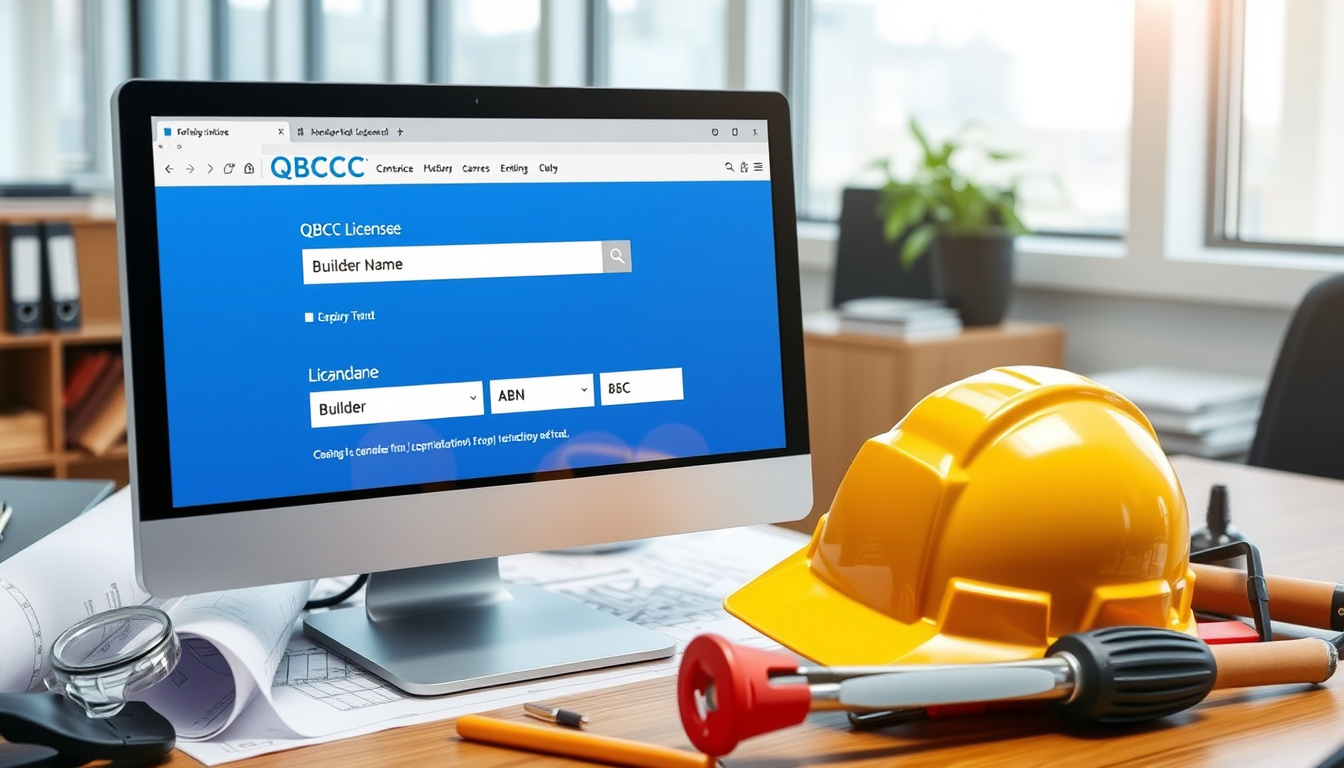

Before you hire a builder or trade contractor in Queensland, there’s one free step that takes two minutes and could save you thousands: checking the QBCC licence register. The Queensland Building and Construction Commission maintains a public database where anyone can verify whether a contractor holds a valid licence, what class of work they’re licensed for, and whether any disciplinary conditions apply. This guide walks you through every search method the official portal offers, from licence number lookups to ABN-based checks.
Official Register: my.qbcc.qld.gov.au/s/qbcc-licensee-register · Search Methods: Name, ABN, licence number · Covers Licences For: Builders, trade contractors, designers, nominees, site supervisors · Access Type: Free public search
Quick snapshot
- The QBCC administers Queensland’s contractor licensing system as a statutory authority (WorkClear)
- The public register covers builders, trade contractors, designers, nominees, and site supervisors (myQBCC)
- Searches by licence number, business name, individual name, or ABN/ACN are all supported (WorkClear)
- Whether the QBCC publishes an official API endpoint for bulk licence verification remains undocumented (WorkClear)
- No publicly available figure for total active licences currently held across all classes (QLD Open Data Portal)
- Open Data CSV snapshot was current as at 2025-08-11, according to the Queensland Government Open Data Portal (QLD Open Data Portal)
- Static datasets are not real-time; use the official search for current status (QLD Open Data Portal)
- Follow application steps to apply for a QBCC licence if contractor verification reveals a gap (QBCC official site)
- Consider supplementary searches to obtain complete licensee history where needed (myQBCC)
Six key data points define the official QBCC licence search landscape, drawn from government and verified secondary sources.
| Field | Value |
|---|---|
| Primary Register URL | https://my.qbcc.qld.gov.au/s/qbcc-licensee-register |
| Search Register URL | https://my.qbcc.qld.gov.au/s/search-a-register |
| Dataset Source | https://www.data.qld.gov.au/dataset/qbcc-licensed-contractors-register |
| Licence Holders Included | Builders, trade contractors, designers, nominees, site supervisors, occupational holders |
| Searchable Fields | Licence number, business name, individual name, ABN/ACN |
| CSV Fields Available | Licence Number, Licensee Name, ACN, ABN |
How to Search for a QBCC Licence by Name?
Searching by name works best when you know either the contractor’s individual name or their registered business name. The myQBCC portal returns matches that include the licence holder’s name, licence number, licence class, current status, and any conditions or disciplinary history on record.
Steps to use the official register
- Navigate to myQBCC licensee register (Queensland Government portal)
- Select the search field type: “Licence Number,” “Business Name,” “Individual Name,” or “ABN/ACN”
- Enter the relevant identifier and submit the query
- Review the returned record for licence status, class, and conditions
What results show for name searches
The QBCC register shows licence holder’s name, licence number, classes, status, conditions, and disciplinary history, according to WorkClear’s verification guide. Contractors must display their QBCC licence number on contracts, quotes, and advertising under Queensland law.
A name search reveals the full licence profile including any restrictions — but the QBCC explicitly warns that the record relates only to the listed licensee. You may need to request additional searches to obtain a more complete history for a company with multiple licence holders.
What this means: even a clean licence record for one key person does not guarantee every subcontractor on the job holds appropriate coverage. Always cross-reference the specific licence class against the type of work being engaged.
How to Search for a QBCC Licence by ABN?
An ABN search links a business entity to its QBCC licence profile. The Australian Taxation Office issues ABNs, which are entirely separate from QBCC licences, according to QBCC’s official clarification. This means a valid ABN alone proves nothing about a contractor’s licence status.
ABN search process
- Go to the myQBCC register
- Choose “ABN/ACN” as the search type
- Enter the contractor’s Australian Business Number
- Check whether an active licence record is returned
Linking ABN to licence details
ABR search for “Queensland Building And Construction Commission” yields 56 ABN matches on the federal ABN Lookup register, according to ABN Lookup. However, having an ABN in the QBCC context means the organisation is registered for business — not that it holds a construction licence.
An ABN or trading name does not indicate a valid QBCC licence. Queensland homeowners who hire based solely on a visible ABN have no protection under the Queensland Building Act if the contractor lacks the required licence class.
The implication: always treat ABN and QBCC licence as two independent checks. A business can be registered for tax purposes while operating without the mandatory construction licence.
What is the QBCC Licence Register in QLD?
The QBCC licence register is the official record of all individuals and companies licensed to carry out building and construction work in Queensland. It is maintained by the Queensland Building and Construction Commission as the statutory authority regulating the building industry, per WorkClear’s regulatory overview.
Official register locations
The primary public interface is myQBCC’s search-a-register, which queries the QBCC Act licensee register for builder or tradesperson history. A bulk dataset is also available from the Queensland Open Data Portal.
What the register contains
The QBCC licensee register includes fields such as _id, Licence Number, Licensee Name, ACN, ABN, and Business Address, according to the QLD Open Data Portal field listing. The Open Data CSV provides a downloadable snapshot of active licensees including licence number, name, address, class, and financial category.
The Open Data Portal QBCC dataset was current as at 2025-08-11. For up-to-date information on an individual licensee, always refer to the official QBCC licence search — static datasets lag reality.
The pattern: government maintains two access paths — a live search portal for real-time checks, and a periodic CSV export for bulk analysis. Neither replaces the other for their intended purpose.
How to Check QBCC Contractor Licences?
Contractor licence checks should confirm three things: status (active, suspended, or cancelled), licence class (what work the contractor is legally permitted to perform), and holder details (who holds the licence matches who you’re engaging). According to WorkClear’s verification advice, a contractor may be licensed but only for specific classes of work.
Licence number lookup
- Visit myQBCC licensee register
- Select “Licence Number” as search type
- Enter the exact licence number shown on the contractor’s quote or contract
- Verify the returned name matches the contractor you’re dealing with
Status and conditions
The QBCC licence number is the fastest and most accurate search method because it returns a unique record, according to WorkClear’s verification guide. A suspended licence means the contractor cannot legally perform work in that class. A cancelled licence means no valid authority exists at all.
QBCC licence conditions can restrict work to certain project values, specific geographic areas, or require supervision by a nominated licensee. A “valid” licence with undisclosed conditions could expose a homeowner to unfinished or non-compliant work.
The trade-off: licence checks add a few minutes to the engagement process but represent the most cost-effective risk management step available before signing a building contract.
How to Apply for a QBCC Licence?
If verification reveals that your preferred contractor lacks the required licence class — or you are a contractor yourself seeking to operate legally in Queensland — the application process starts with identifying the correct licence class. The QBCC issues licences across contractor, certifier, builder, trade, and nominee categories.
Application steps
- Determine the appropriate licence class for the work you intend to carry out using the QBCC licence class guidance
- Confirm qualification and experience requirements for that class
- Submit the application through official QBCC channels with required documentation
- Receive licence number and check it appears in the public register
Required qualifications
Licence classes range from low-risk occupational licences requiring minimal qualifications to open builder licences demanding significant trade experience, technical qualifications, and financial fitness checks. According to WorkClear’s guide, QBCC regulates the building and construction industry, issues licences, investigates complaints, and enforces standards.
Finding the right licence class before applying prevents rejected applications and wasted fees. The QBCC website provides class-specific requirement sheets that list exact qualifications, experience periods, and documentation needed.
Why this matters: applying for the wrong licence class is a common mistake that delays entry to the industry by months. Spending an hour on class research upfront saves significant time and cost downstream.
Step-by-Step: Conducting a Full QBCC Licence Verification
Follow this sequence to verify any Queensland builder or trade contractor before signing a contract.
- Locate the contractor’s QBCC licence number — it must appear on every quote and contract under Queensland law
- Go to myQBCC licensee register and select “Licence Number” search
- Enter the licence number and confirm the returned name matches the person or company you’re engaging
- Check the licence status: active, suspended, or cancelled
- Review the licence class — confirm it covers the specific type of work (renovation, new build, pool, electrical, plumbing)
- Note any conditions listed on the record
- If the contractor quotes an ABN or ACN, run a separate ABN/ACN search to confirm the business entity
- Check whether disciplinary history appears — serious findings can disqualify a otherwise-active licence holder
- For companies, verify whether the nominated licence holder is still with the business
- Document the search results before signing — screenshot or PDF the register record
What We Know vs. What Needs Clarification
Confirmed
- Official searches at my.qbcc.qld.gov.au cover all licensed contractors, designers, nominees, and site supervisors
- Public access to licensee history including disciplinary records is available
- ABN and QBCC licence are entirely separate regulatory instruments
- Open Data Portal offers a CSV of active QBCC licensees as a bulk download
- The QBCC register shows licence holder’s name, licence number, classes, status, conditions, and disciplinary history
Unverified / Needs Confirmation
- Whether the QBCC offers an official real-time API for bulk licence verification is not publicly documented
- The total count of currently active QBCC licences across all classes is not published on official channels
- Specific examples of licence numbers or detailed search result screenshots are not available in public datasets
What the Experts Say
Queensland has one of Australia’s most comprehensive contractor licensing systems, administered by the Queensland Building and Construction Commission (QBCC).
— WorkClear (Verification Service) — WorkClear verification guide
An ABN is issued and managed by the Australian Taxation Office and is separate to a QBCC licence which is issued and managed by the Queensland government.
— QBCC (Official Regulator) — QBCC ABN clarification
Warning: This search relates only to the licensee listed above. You may need to request other searches to obtain a more complete history.
— myQBCC (Official Portal) — myQBCC register notice
For up-to-date information on an individual licensee, refer to the QBCC’s licence search.
— QLD Open Data Portal (Government Data) — Open Data Portal guidance
Related reading: WorkClear QBCC licence search tool · Verify contractor licence QLD guide
Frequently Asked Questions
What does QBCC stand for?
QBCC stands for the Queensland Building and Construction Commission. It is the statutory authority that administers Queensland’s building and construction licensing system, issues licences, investigates complaints, and enforces standards under the Queensland Building Act 1971.
Is QBCC licence search free?
Yes. The QBCC licence search on myQBCC is free and available to the general public without requiring an account or login. The Open Data Portal CSV download is also free. Third-party services may offer premium features but the official government search costs nothing.
What does a suspended QBCC licence mean?
A suspended QBCC licence means the licence holder cannot legally perform work requiring that licence class while the suspension is in place. The suspension may be lifted after a period or following compliance with QBCC conditions. Always confirm the current status on the register before engaging a contractor.
Can I search QBCC licences without an account?
Yes. The public register at my.qbcc.qld.gov.au/s/qbcc-licensee-register requires no login. Anyone can search by licence number, business name, individual name, or ABN/ACN without creating an account.
What if no QBCC licence is found?
If a search returns no result, the person or company does not hold a current QBCC licence in Queensland. Proceeding with work in a licence-regulated class without a valid licence is illegal and leaves the consumer without protection under the Queensland Home Warranty Scheme.
Does the QBCC register cover all Queensland builders?
The QBCC register covers all licence holders required to be licensed under the Queensland Building Act 1971. This includes builders, trade contractors, certifiers, designers, nominees, and site supervisors. Some minor maintenance work may be exempt from licensing requirements under specific thresholds.
How often is the QBCC register updated?
The live search register updates continuously as licences are granted, suspended, cancelled, or have conditions modified. The Open Data Portal CSV snapshot was current as at 2025-08-11 and is refreshed periodically but not in real time. For current status, always use the live search portal.
For Queensland homeowners, the choice is clear: a two-minute search on myQBCC before signing a building contract is the simplest way to verify your contractor holds the right licence for the job. For contractors, checking your own record before quoting ensures your licence details are accurate and current — discrepancies between your record and what clients find online can undermine trust before work even begins.

Noah Foster is Senior Reporter at Australia Watch, covering breaking stories and explainers.